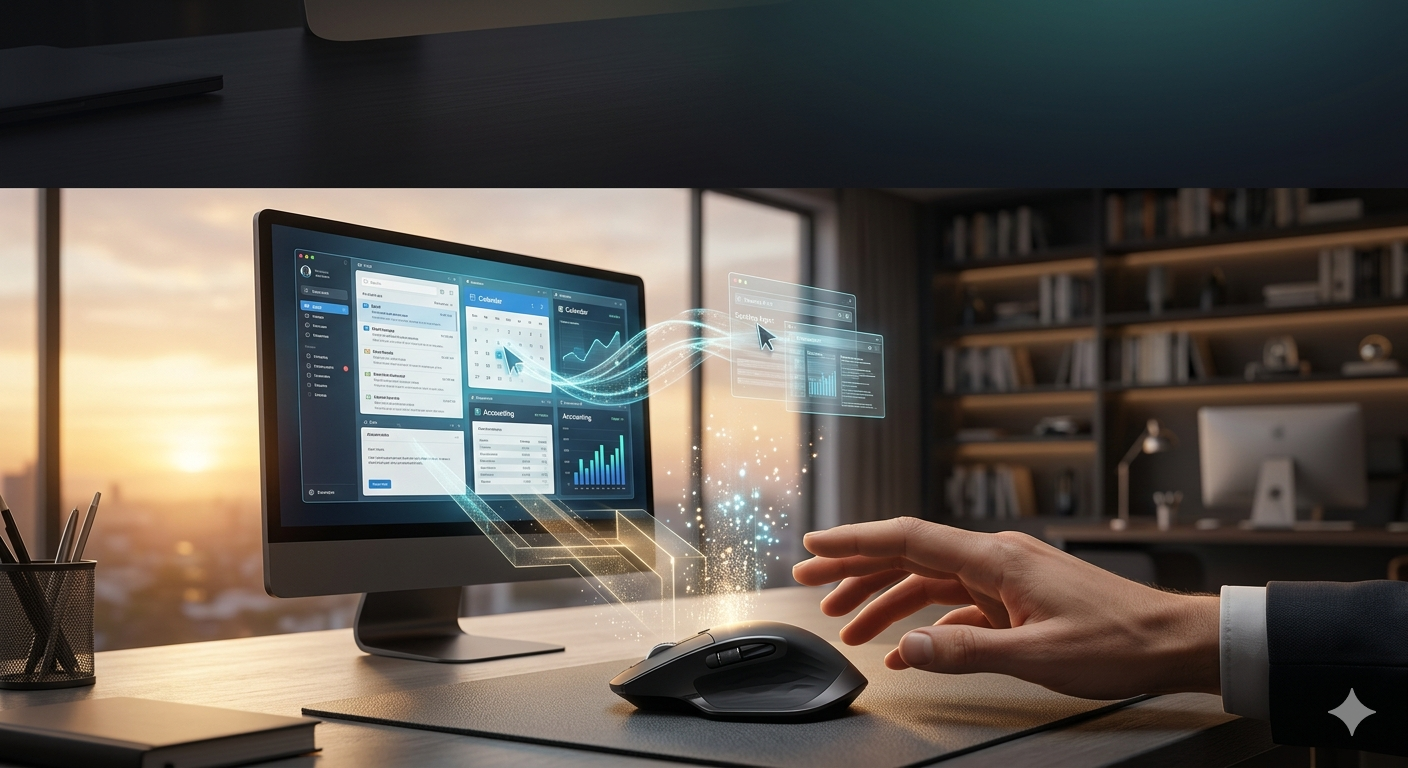

You arrive at your desk at 9:00 AM. Before you even touch your mouse, a notification pops up on your screen: \”Good morning. I have read the 47 emails you received overnight, drafted replies to the 12 urgent ones, organized your expense receipts from yesterday’s trip into the accounting software, and updated the Q3 marketing presentation based on the new data your boss sent at 2 AM. Please review and approve.\” This is not a scene from a sci-fi movie, nor is it the luxury of a Fortune 500 CEO with a dedicated human assistant. It is the absolute reality of April 2026 for anyone utilizing a ‘Personal AI OS’ (Operating System). If you are still manually copy-pasting data, clicking through endless browser tabs, and drowning in administrative busywork, you are wasting your life doing tasks that a Desktop Agent can now execute flawlessly while you drink your morning coffee.
For the past few years, we thought we were using AI, but we were actually just using sophisticated chatbots. We had to open a web browser, type a specific prompt into ChatGPT, wait for the text, and then manually copy that text back into our Word documents or emails. It was a fragmented, manual process. The massive leap in 2026 is the birth of the ‘Personal AI OS’—or Desktop Agents. These autonomous systems live directly on your operating system (Windows or macOS). They have the ability to \”see\” your screen, control your mouse, press keys, and interact with any legacy software—from ancient ERP systems to modern SaaS tools—exactly like a human would. According to a Q1 2026 report by McKinsey & Company, knowledge workers who deployed full-scale Personal AI OS solutions reclaimed an average of 18 hours per week, effectively eliminating 90% of routine, repetitive office tasks.
As a tech analyst obsessed with workflow optimization, I fully integrated a Personal AI OS (using frameworks like AutoGPT and the latest multimodal visual models) into my daily life last month. The transformation was violent. I used to spend two hours every Friday manually extracting data from 15 different PDF invoices to populate my tax spreadsheet. I simply gave my Desktop Agent a one-time instruction: \”Every Friday at 4 PM, open the ‘Invoices’ folder, read the PDFs, extract the total amount and vendor name, and enter them into the corresponding cells in my Excel file.\” It took the AI exactly 42 seconds to complete the task with 100% accuracy. The mouse moved by itself; the windows opened and closed like a ghost was operating my computer. Here is how you can set up your own Personal AI OS and stop being a data-entry robot.
1. The Visual Backbone: How Desktop Agents ‘See’
The magic behind the 2026 Personal AI OS is multimodal vision. Unlike older API-based automations (like Zapier) that required software to explicitly talk to each other through code, modern Desktop Agents simply look at your screen. They use advanced OCR (Optical Character Recognition) and spatial awareness models to identify buttons, text fields, and icons, regardless of the software you are using. Even if you are using a proprietary, 20-year-old internal company program that has no API access, the AI can still operate it by visually recognizing the \”Submit\” button and clicking it. Tools like Microsoft’s Copilot Vision or open-source equivalents allow the AI to map your entire desktop environment in real-time.
2. Orchestrating the Action: The ‘Click and Type’ Protocol
Once the AI can see, it needs to act. This is where Agentic frameworks come in. You provide a high-level natural language prompt, such as, \”Book a flight to New York for next Tuesday morning, staying under $400, and put it on my calendar.\” The AI breaks this down into steps: 1) Open Chrome, 2) Navigate to Expedia, 3) Type ‘New York’ and the dates, 4) Filter by price, 5) Select the flight, 6) Open Outlook, 7) Create a calendar event. The agent controls your system’s cursor and keyboard APIs to execute these steps sequentially. You can literally sit back and watch your mouse move across the screen as the AI navigates the web and fills out forms on your behalf.
3. Security and Local Processing: The Ultimate Moat
The biggest hesitation people have with giving an AI full control of their computer is security. \”Will it read my bank passwords? Will it send company secrets to the cloud?\” In 2026, the solution is Local AI. Powerful Small Language Models (SLMs) now run entirely on your laptop’s local neural processing unit (NPU). This means the AI agent processes your screen and makes decisions without ever sending a single pixel of your desktop to external servers. Your data stays 100% private. This local processing capability is what finally allowed heavily regulated industries, like finance and healthcare, to approve the use of Desktop Agents for their employees.
We have reached the inflection point where humans are no longer required to be the connective tissue between different software applications. The Personal AI OS is the great equalizer, giving every individual the administrative power of an entire corporate department. Stop doing the work of a machine. Set up your Desktop Agent, delegate the mindless clicking and typing, and elevate your focus to the strategic, creative work that actually drives your career forward. Throw away your mouse; your AI is ready to take the wheel.
#PersonalAI #DesktopAgent #AutoGPT #WorkflowAutomation #ProductivityHack #FutureOfWork #AIOS #TechTrends2026 #TimeManagement #KnowledgeWorker #LocalAI
Leave a Reply